Step one
Your email is your username. Pick any password of 8 or more characters — nobody else will ever see it, including me.
Already made one? Sign in. Forgot your password later? Tell whoever pointed you here and they will reset it.
Then, two minutes
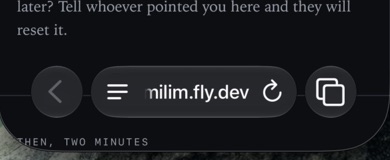
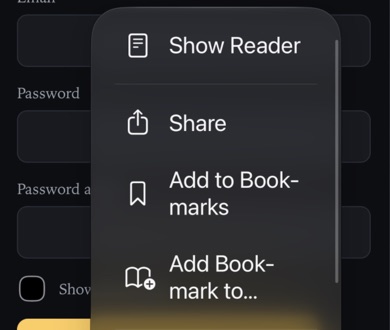
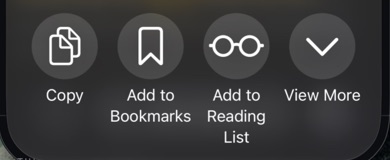
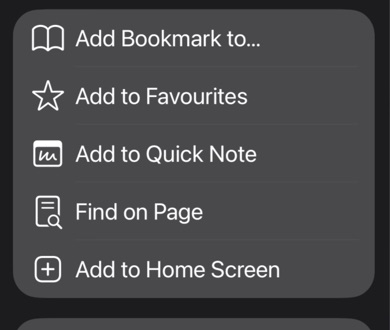
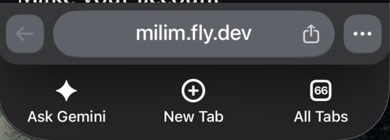
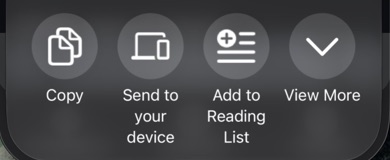
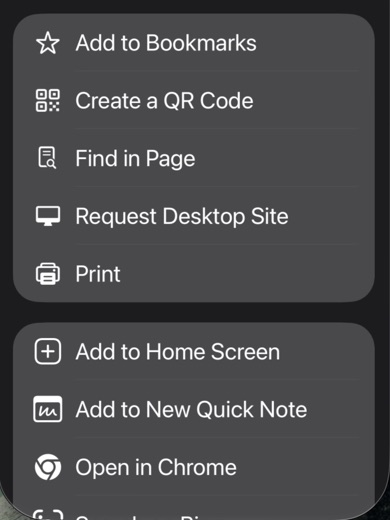
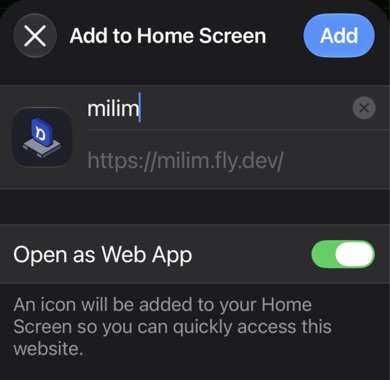
Milim is a website, not an App Store app — nothing gets installed. But this adds an icon that opens it full screen, without the browser bar in the way, and it's much nicer that way. You can delete the icon any time.
Open milim.fly.dev on your iPhone, then follow the steps for the browser you are using.
The words the app uses
Four words are worth knowing before you start, because the app uses them everywhere and explains them nowhere.
The winding trail on the Learn screen. Your whole course, top to bottom. You move down it.
One stop on that path — a little object on its own plinth. A single subject — a story, or a set like Milim Words. Tap one to open it.
A short section inside a node. Five or ten minutes. A node holds several, and you take them in order.
Pick a unit, press Play. That's the whole loop — a run of screens that listen, ask, and move on. Finishing units opens the next node.
A look inside
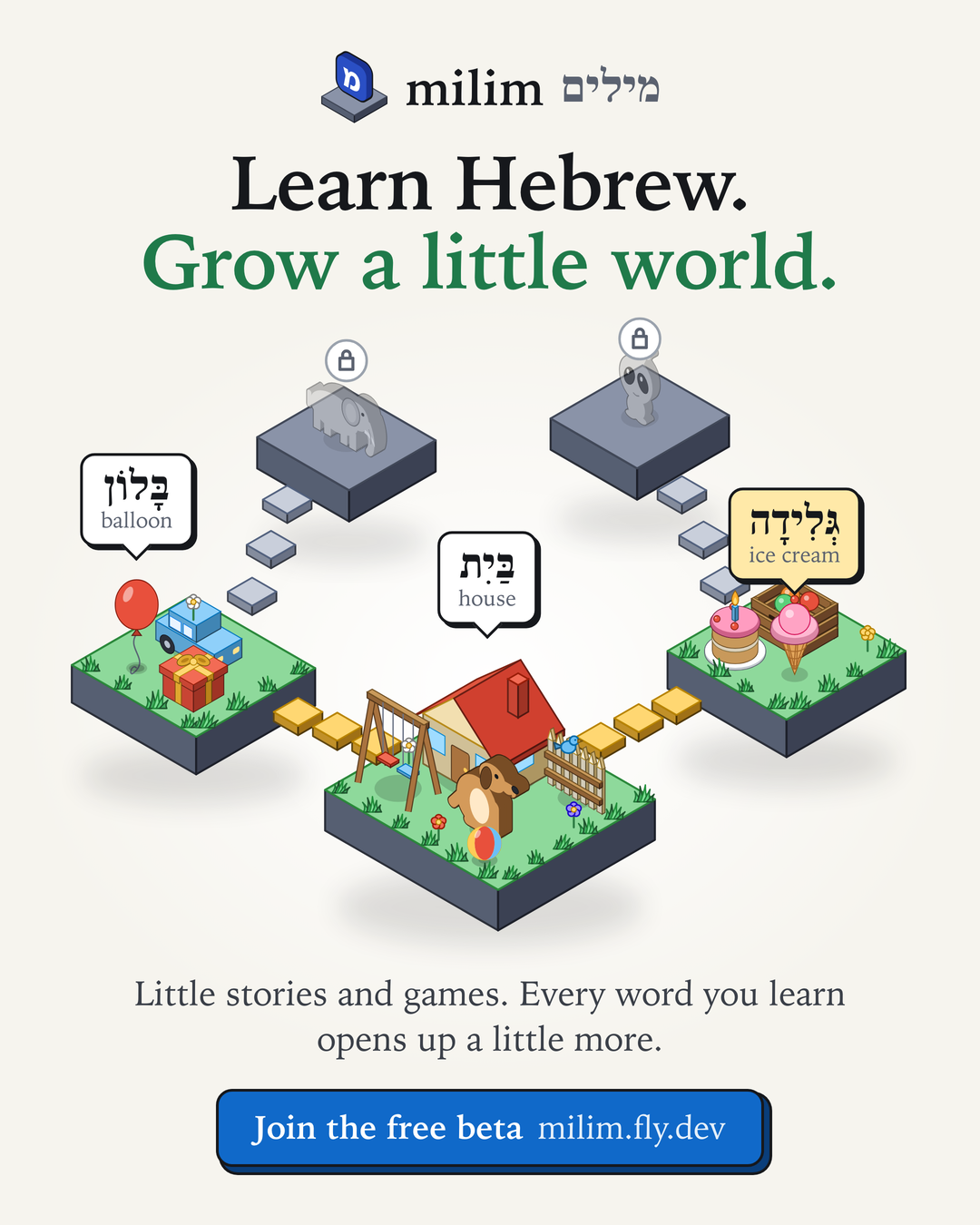
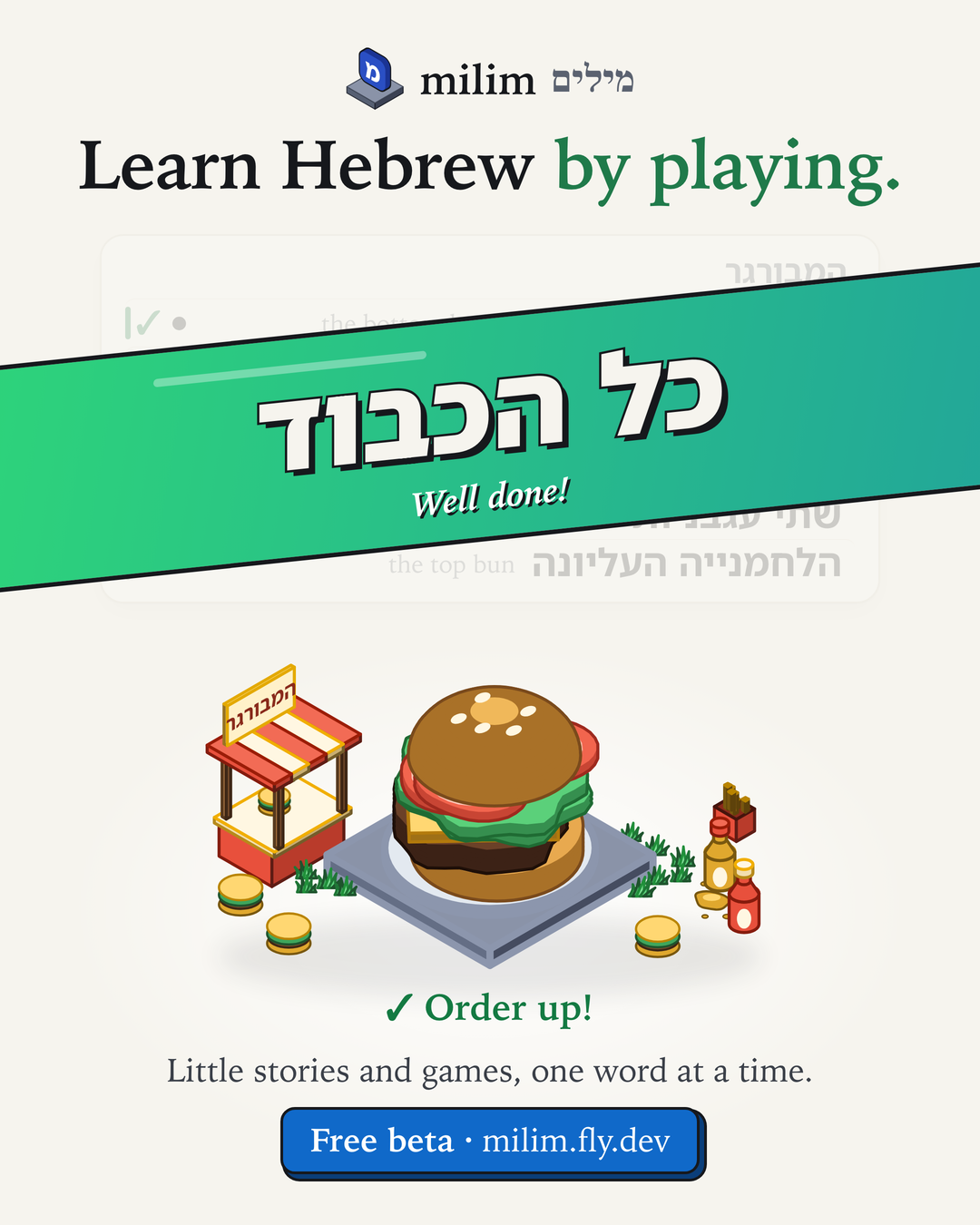
The real thing


It grows with you
The bottom bar starts in English. Once you know the seven Milim words, the app offers to switch its labels to Hebrew, so the app itself keeps quizzing you — your choice, and Settings can change it back. These are the same three tabs:


What a unit feels like
A line of Hebrew plays. Replay it as often as you want — there's a repeat button right beside it, and a slider at the top to slow it down. Read it aloud if you can. Then press continue.
Every so often it stops and asks you something: do you know this word?, what does this line mean, put the line back together from its words. Wrong answers cost you nothing — it just shows the word again later.
Your path. Stories and the games that branch off them — this is where you actually study.
Your trophies and streak, and the stats behind them.
Short cards explaining any screen. Open it whenever.
The most important button
This is the one thing I'd genuinely ask you to use. I study with this app every day, which means I've gone blind to problems that are probably obvious to you in the first ten minutes.
It sends
Your note, which page you were on, which line, and what you answered.
It doesn't send
Anything about your phone, your browser, or where you are.
Sign in with the email and password you chose.
No deadline, no streak to protect — come and go as you like.